Products

 Products Overview
Newsela products are purpose-built to unlock student motivation, inspire teachers, and drive long-lasting learning outcomes.





Resources
About
Products OverviewNewsela products are purpose-built to unlock student motivation, inspire teachers, and drive long-lasting learning outcomes.
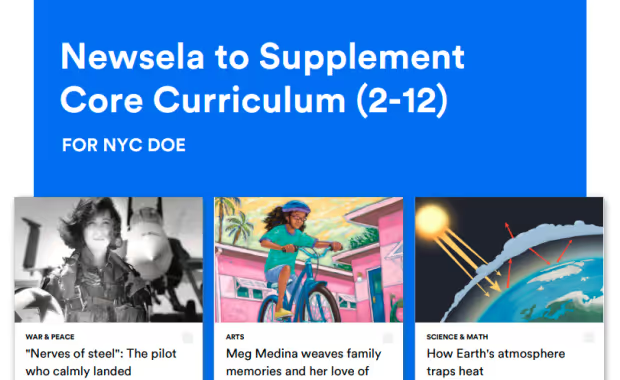
Newsela aligns directly to NYC district priorities, enriching core instruction with 17,000+ authentic, standards-aligned texts across ELA, Social Studies, and Science. All content reflects the NYSED CR-SE Framework, elevating diverse voices and supporting SEL with CASEL-aligned resources. Plus, flexible professional learning—live and on-demand—helps NYC schools scale impact across classrooms.
Family resources available in English and in Spanish!
Recursos familiares disponibles en inglés y español!
Newsela Accessible for all: Luna & 42 Languages


Ready to boost your impact in the classroom? Newsela and Formative certifications help you build confidence, sharpen your skills, and get more out of the tools you use every day.
Boost your expertise and earn your badge in real time! These full-length workshops, led by Newsela or Formative experts, offers hands-on support and live Q&A. You'll leave a certified pro.
Head to the DOE's TeachHub Portal and enter your DOE username and password.
Your username is your DOE email address with @schools.nyc.gov removed
Click on the Clever icon under the Curriculum Resources section under your school’s grade band (e.g. K-12, Elementary School, etc).
Click on the Newsela application icon, listed in alphabetical order under the Learning Applications category.
Your classes will be automatically synced to Newsela overnight from Clever.
To review the list of students in your classes, go to your Students Tab.
With your subscription, you can access tens of thousands of great text and video resources at your fingertips. To find the best resources you can:
Once you’ve found the perfect resource, assign it to your class. When assigning resources, you can share and control a variety of supports that help you differentiate instruction and meet your students where they are, like:

Track student progress and review scores and performance for features like quiz and writing prompt responses, checks for understanding, and reading time with your classroom data reports.

Discover how to get started with your Formative subscription to create engaging activities and assessments!

Download your get started checklist to log in and start using your subscription!
Discover standards-aligned lessons, interactive resources, and classroom activities tailored specifically for New York. Newsela Social Studies for New York includes the New York State History Collection, the New York Financial Literacy Collection, and the NYC Passport to Social Studies Curriculum Complement, all designed to help teachers save time while engaging students with relevant, high-quality content.

Reach out to our support team using the links provided to get the help you need.
For inquiries on purchasing new products, or upgrading existing products
emily.keys@newsela.comFor NYC specific resources and information on how to implement products at your school
nicole.lewis@newsela.comDistrict level implementation and support
Get answers to all your Newsela subscription questions regarding classes, assignments, reporting, and more.

Deepen your understanding of how Newsela works and get on the pathway to professional growth with our certification courses.

Get handy resources, reading recommendations, and more delivered to your inbox each month.

Receive a curated Sunday email full of easy-to-share content and lessons that pair with holidays, popular topics, and news headlines for the week ahead.

Find a lesson for every weekday of the month with our curated content and activity calendars.

Dive into educational topics, instructional tips, and ready-to-teach seasonal content with our articles.

Develop your educator skills with in-product professional learning resources.

Explore our upcoming events to stay informed and engaged with the latest educational opportunities and resources.

Head to the DOE's TeachHub Portal and enter your DOE username and password.
Your username is your DOE email address with @schools.nyc.gov removed
Click on the Clever icon under the Curriculum Resources section under your school’s grade band (e.g. K-12, Elementary School, etc).
Click on the Newsela application icon, listed in alphabetical order under the Learning Applications category.
Content promotion lets you spotlight preferred resources, topics, courses, and more. Customize the teacher experience to showcase these handpicked resources on their Newsela homepage so they spend less time searching for the right content and more time preparing for instruction.

Monitor teacher and student usage and progress with the Usage Report.
The information in this report can tell you which schools and classrooms actively use their subscription and create assignments. It also provides student insights into how many write prompts are completed and quizzes are submitted.
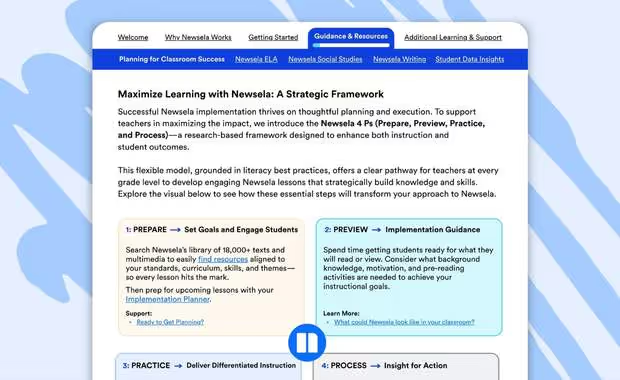
Explore Newsela’s 4 Ps, a research-based framework to enhance instruction and student outcomes.
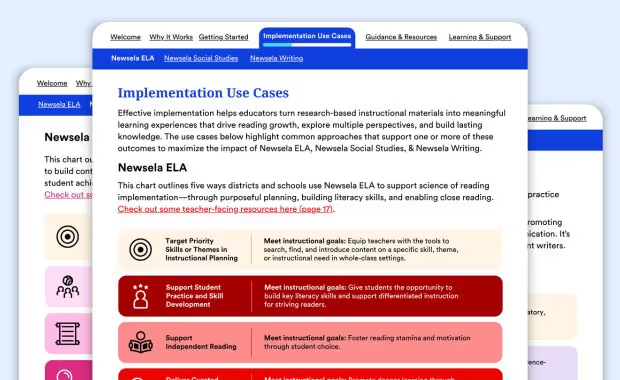
Turn research-based instructional materials into meaningful learning experiences.
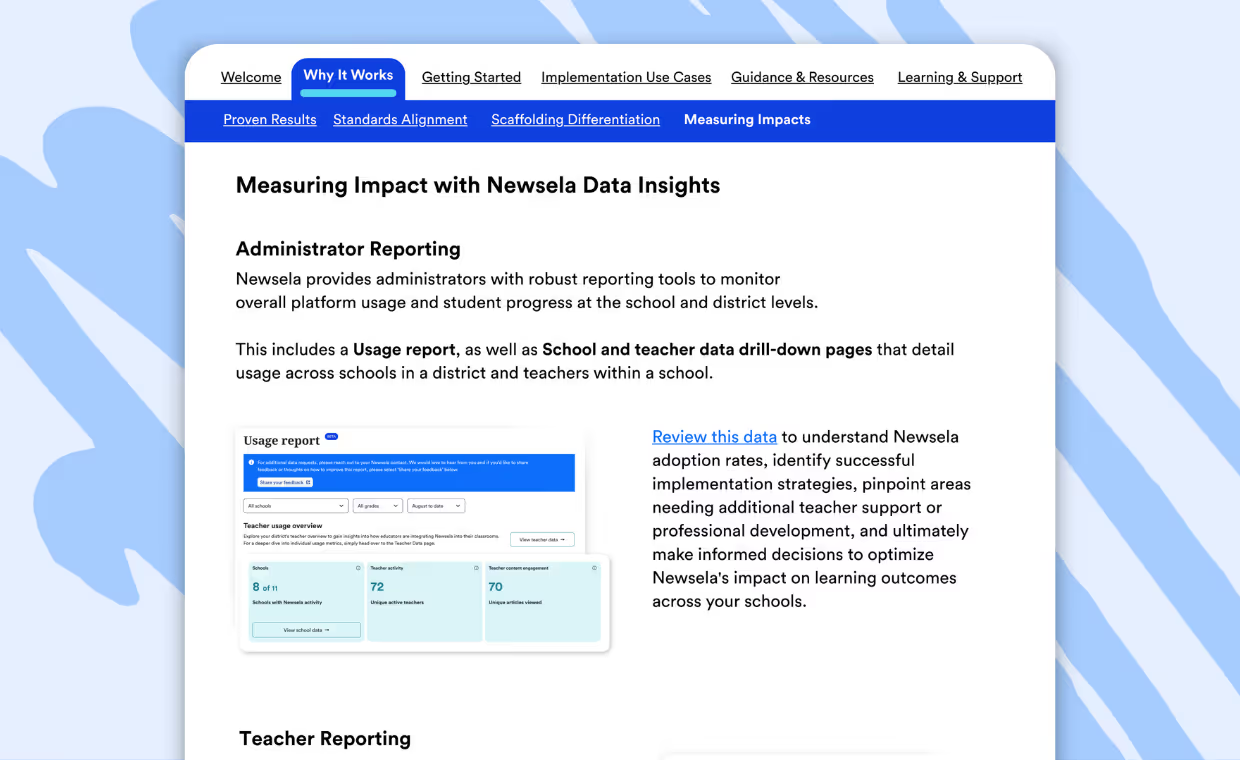
Learn how to find and use valuable data to monitor teacher usage and students’ performance.
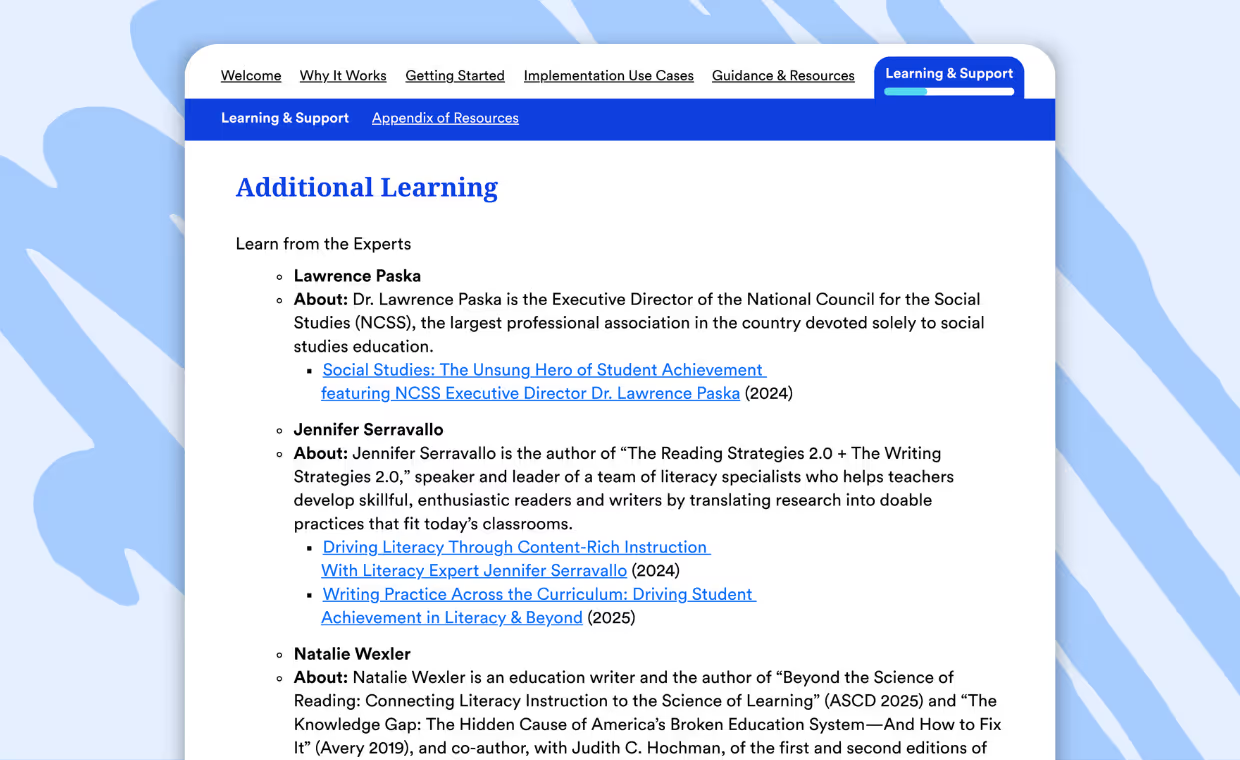
Gain valuable insights and expert advice from top educators across the education landscape.
Discover how to get started with your Formative subscription to create engaging activities and assessments!
Download your get started checklist to log in and start using your subscription!
Discover standards-aligned lessons, interactive resources, and classroom activities tailored specifically for New York. Newsela Social Studies for New York includes the New York State History Collection, the New York Financial Literacy Collection, and the NYC Passport to Social Studies Curriculum Complement, all designed to help teachers save time while engaging students with relevant, high-quality content.
Reach out to our support team using the links provided to get the help you need.
For inquiries on purchasing new products, or upgrading existing products
emily.keys@newsela.comFor NYC specific resources and information on how to implement products at your school
nicole.lewis@newsela.comDistrict level implementation and support
Get answers to all your Newsela subscription questions regarding classes, assignments, reporting, and more.
Deepen your understanding of how Newsela works and get on the pathway to professional growth with our certification courses.
Get handy resources, reading recommendations, and more delivered to your inbox each month.
Receive a curated Sunday email full of easy-to-share content and lessons that pair with holidays, popular topics, and news headlines for the week ahead.
Find a lesson for every weekday of the month with our curated content and activity calendars.
Dive into educational topics, instructional tips, and ready-to-teach seasonal content with our articles.
Develop your educator skills with in-product professional learning resources.
Explore our upcoming events to stay informed and engaged with the latest educational opportunities and resources.
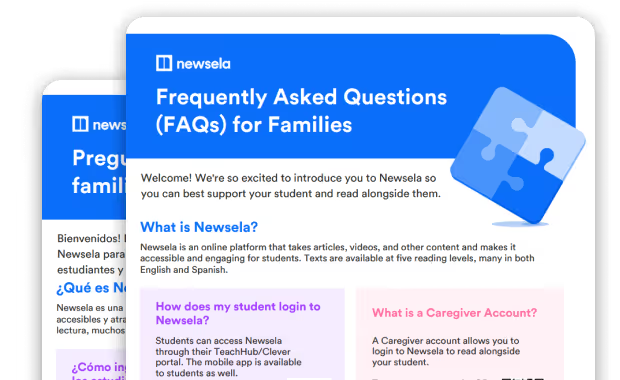
Available in both English and Spanish, everything you need to get started with Newsela today.
View the FAQ brochureStudents can access Newselathrough their TeachHub/Cleverportal. The mobile app is availableto students as well.
A Caregiver account allows you to login to Newsela to read alongside your student.
When students read on Newsela, encourage them to use the ReadAloud tool, try texts in Spanish, or print articles to read together. Students can complete assignments as well.
Teachers or school administrators can help answer any questions and contact Newsela directly if technical support is needed.
Los estudiantes pueden ingresar a Newsela a través de su portal de TeachHub/Clever. La aplicación móvil también está disponible para los estudiantes.
Una cuenta de Caregiver (cuidador) les permite ingresar a Newsela para leer con los estudiantes.
Cuando los estudiantes lean en Newsela, anímenlos a utilizar la herramienta de Read Aloud (lectura en voz alta), probar textos en español o imprimir artículos para leerlos juntos. Los estudiantes también pueden completar tareas.
Los maestros o los administradores de la escuela pueden ayudar a responder cualquier pregunta y comunicarse con Newsela directamente si se necesit asoporte técnico.